On Windows, Android and iPhone, you can download a pack from the web and open it in Minecraft. Consoles are different. Xbox, PlayStation and Nintendo Switch do not let you open .mcpack or .mcaddon files you downloaded yourself. That does not mean console players are left out, though. Here is what you can do.
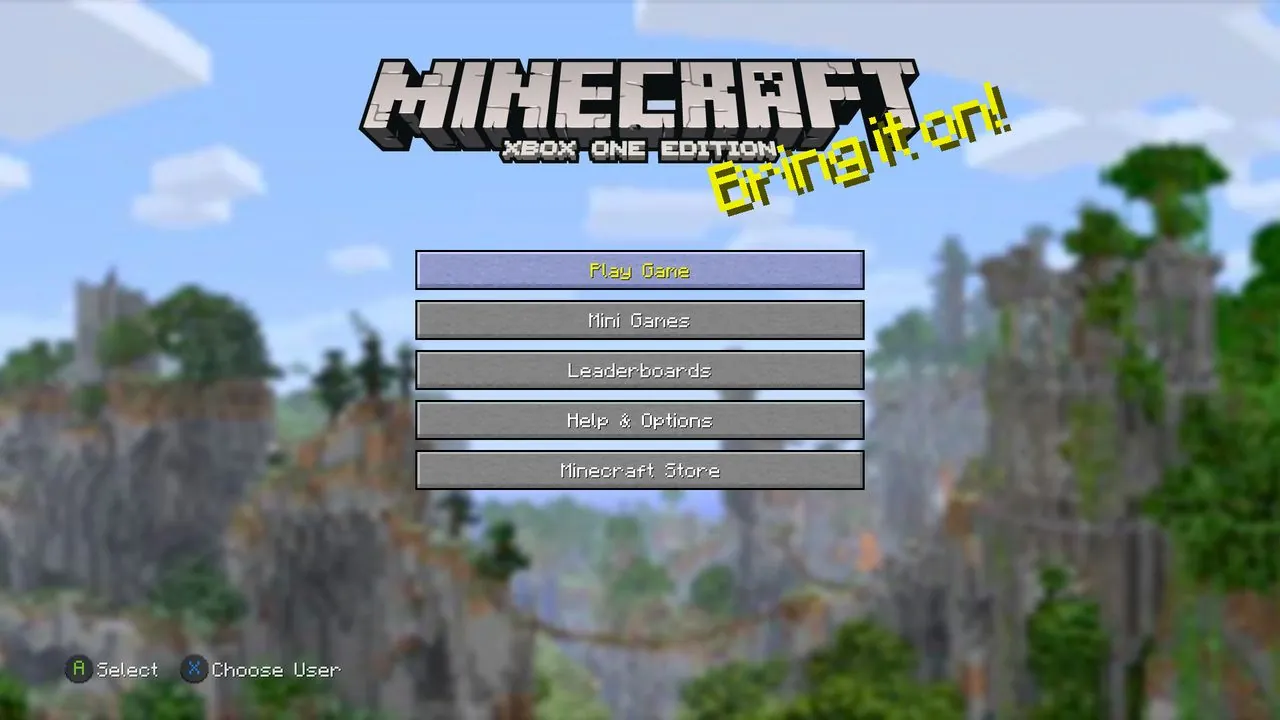
The Marketplace
The Minecraft Marketplace works on every console. It has texture packs, skins, worlds and add-ons, and some of it is free. Everything there is checked by Mojang, so it is the simplest and safest way to get content on a console.
Join a Realm that has packs
Realms can hold a world with add-ons in it. The idea is simple:
- Someone with a phone or PC makes a world and turns on the packs they want.
- They upload that world to a Realm, using the replace world option in the Realm settings.
- Console players join the Realm. The packs download to their game automatically.
This is the most common way console players use community add-ons. Make sure the add-on works on Realms. Most do, but some need features Realms do not have.
Join a server that has packs
Many Bedrock servers send their own packs to every player who joins, console players included. You will see a message that packs are downloading when you join.
Play with a friend on PC or mobile
If a friend hosts a world with add-ons on their PC or phone, you can join it from your console as a friend. The packs come with the world while you are playing in it.
What does not work on consoles
- Importing .mcpack, .mcaddon or .mcworld files you downloaded.
- Using packs from Global Resources that came from outside the Marketplace.
- Development folders and anything that needs access to the game's files.
Be careful with "console add-on" apps and sites
Some sites promise special apps or tricks to put any add-on on your console. Many of them are fake or unsafe. The ways above work without any extra app. See how to download add-ons safely.