If you have ever turned on cheats in a Bedrock world, you have seen the warning: achievements will be turned off for this world, and they never come back. That is a big deal if you are trying to unlock everything on your account. It is also why many add-ons say achievement friendly on their page. This guide explains what that means and what to watch out for.
What turns achievements off
Bedrock keeps achievements on only for worlds that are played the normal way. A world loses achievements for good when you:
- Turn on cheats (Activate Cheats in the world settings).
- Change the world's default game mode to Creative, or switch to Creative in the settings.
Once a world is marked like this, turning cheats off again does not bring achievements back. That is why you should always decide before you change these settings.
What "achievement friendly" means
An achievement friendly add-on gives you features without you turning on cheats or Creative in the world settings. The add-on does the work itself, so the world stays clean and you keep earning achievements. Some features that normally need commands, like changing the time or teleporting, are built into the add-on's own menu instead.
A few of my add-ons work this way:
- Ultimate Cheat Menu puts game mode, time, weather, teleporting, enchanting and much more into one menu you open with a stick.
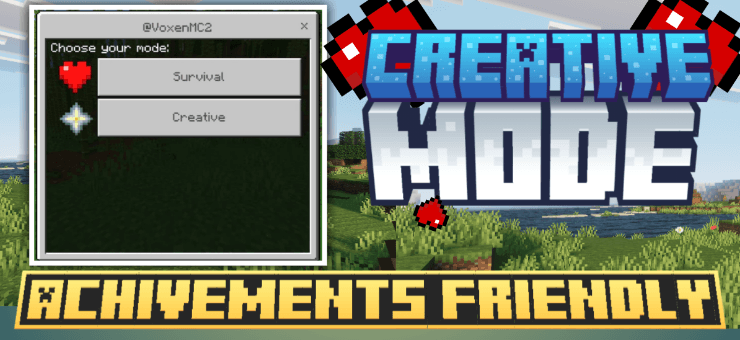
- Creative Mode lets you switch between Creative and Survival with a stick menu while the world keeps its achievements.
- Connected Glass and Offhand Torch are small quality of life add-ons that need no cheats at all.
- Buildmatica Plus needs no cheats or experiments either.

Things to check before you add an add-on
- Read the project page. A good add-on says clearly if it is achievement friendly.
- Look for "experiments". If an add-on needs experimental features, the page should say it. Turn them on only if you understand what they change.
- Never turn on cheats "just to test". One time is enough to lose achievements for that world. Test new add-ons in a copy of your world instead. See my backup guide.
Is using these add-ons fair?
That is up to you and the people you play with. Some players use them to save time on boring tasks, some only use them in creative style worlds, and some turn off the strong features and keep just the helpful ones. On a server, follow the server's rules. The nice thing about achievement friendly add-ons is that the choice stays yours, and your world is not locked out of achievements because of one setting.