On Java Edition, you can put a torch in your offhand and walk through caves with light while you mine. On Bedrock, the game normally does not let you move torches into your offhand slot. Offhand Torch fixes that, and it adds dynamic lighting, so the light really follows you as you move.
How to equip a light
- Hold your torch, lantern or other light in your main hand.
- On PC, right click in the air. On mobile, hold the screen.
- The light moves straight into your offhand.
That is it. No commands and no menus.

Lights you can use
- Torch
- Lantern
- Soul Torch and Soul Lantern
- Other placeable light items
Why it helps so much
- Caving is faster. You do not have to stop and place torches every few steps just to see.
- Fights are safer. Your sword or bow stays in your main hand the whole time.
- Building at night is easier because the light moves with you.
- Fewer torches on the walls if you like clean caves and builds.
How to install it
Download it from the project page, open the file, and turn it on in your world's settings. If you are new to add-ons, my install guide walks you through it step by step.
Good to know
- Light from your hand does not stop mobs from spawning the way placed torches do. In dark areas, still light up the spots where you spend time.
- Offhand Torch is achievement friendly. See what that means.
Pairs well with
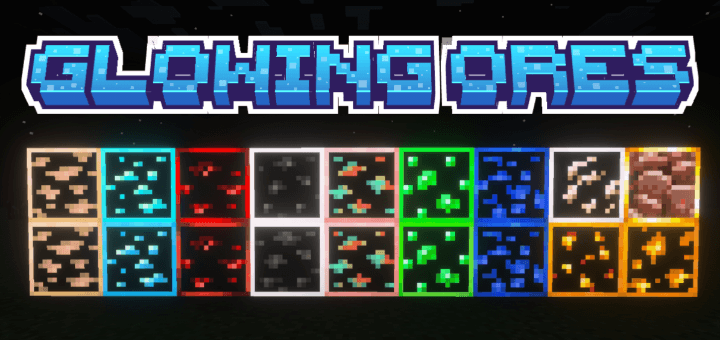
If you mine a lot, try it together with a glowing ores pack. Ores glow through the dark, and your offhand light shows the path, so you hardly need to place torches at all.