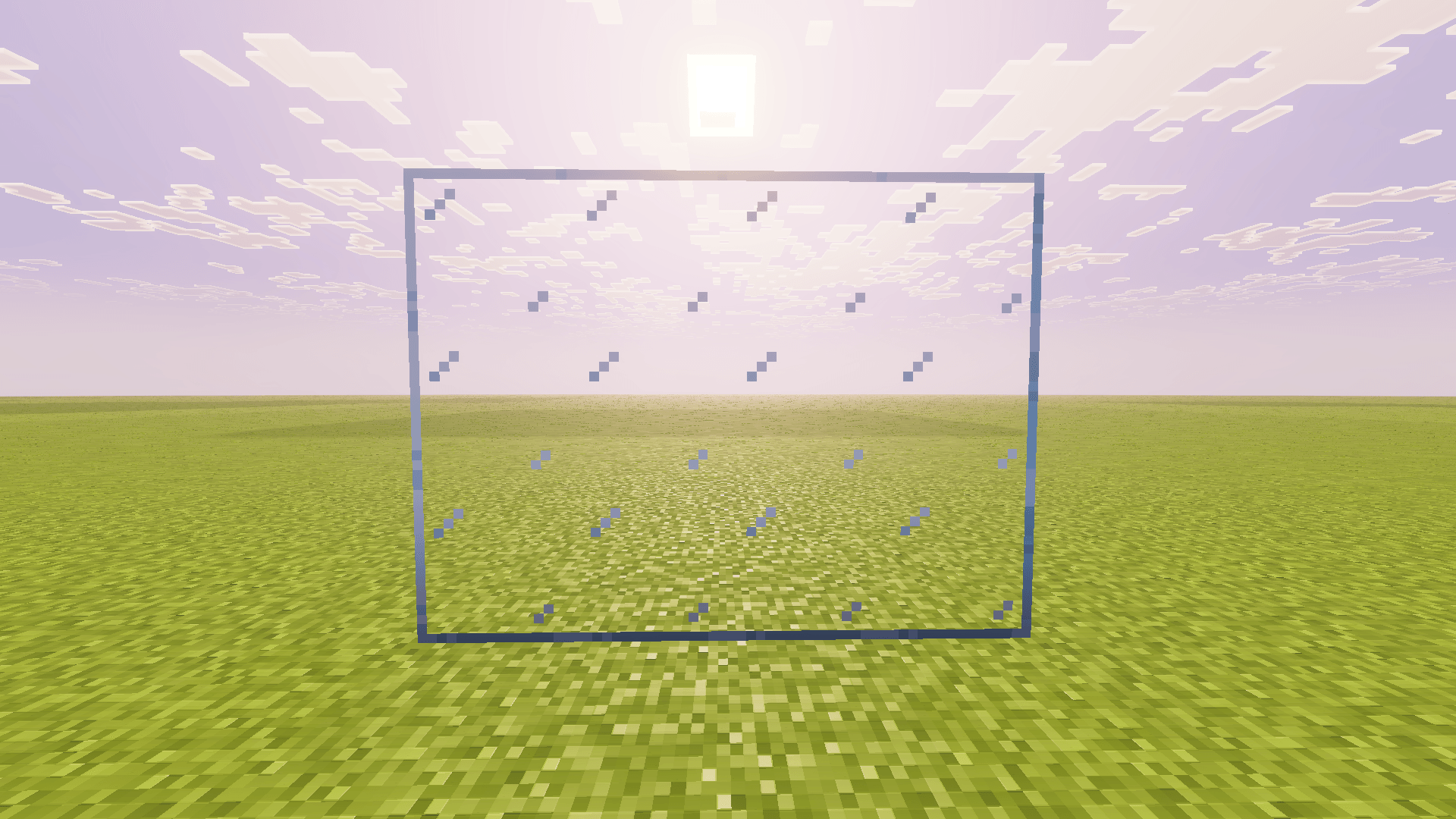
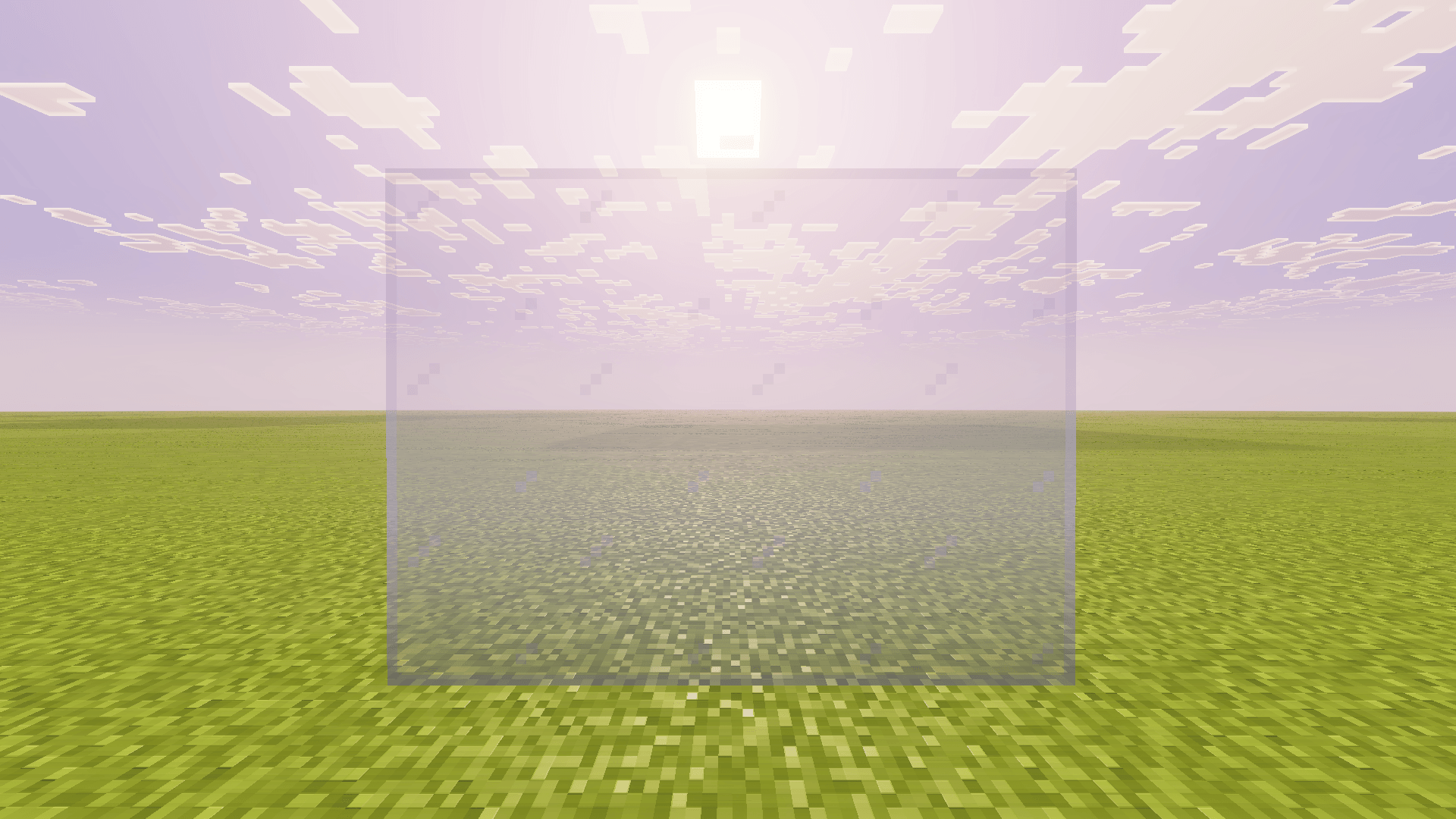
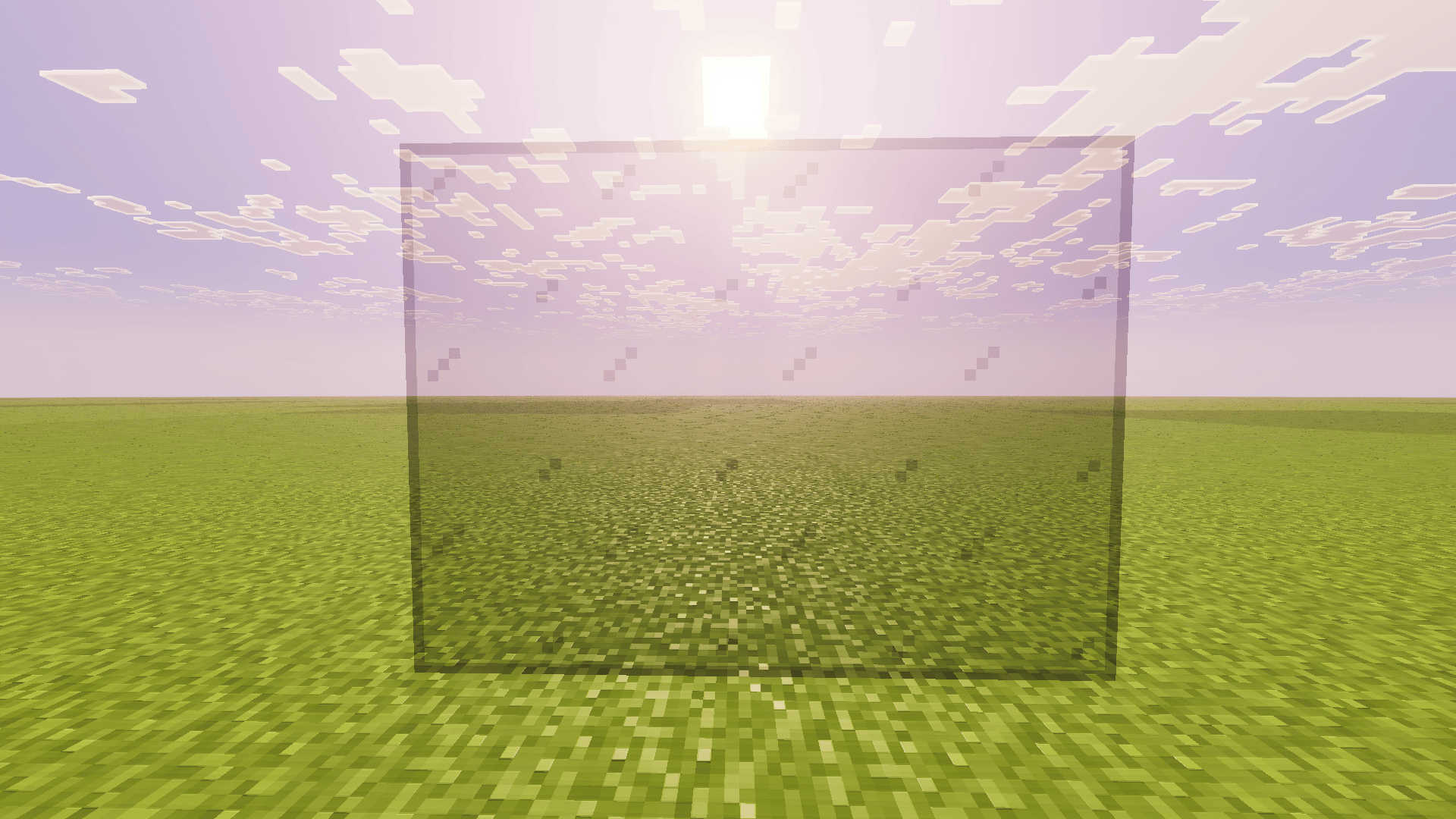
Glass in Minecraft has always had one annoying problem: when you place glass blocks next to each other, you see a border on every single block. A big window ends up looking like a grid. Connected Glass fixes that. Your windows, glass walls and skylights look like one clean sheet of glass.
How it works
You do not craft anything special. You just place normal glass like you always do, and the add-on removes the lines between blocks that touch. It works on all sides: top, bottom, left and right.
What it supports
- Normal glass
- All colors of stained glass
- Glass panes
It is a visual upgrade only. It does not change how glass works, how strong it is or how you get it.
How to install it
- Download Connected Glass from the project page.
- Open the file so Minecraft imports it. If you need help, follow my install guide.
- Open your world's settings and turn the add-on on.
- Join the world and place some glass.
Glass you placed before
Glass that was already in your world before you added the pack does not connect by itself. Break those blocks and place them again, and they connect like normal. For a big build, do it one wall at a time.
Build ideas that look better with it
- Big windows and glass walls on modern houses look clean instead of tiled.
- Greenhouses and domes finally look like real glass.
- Aquariums are much easier to see into without the grid.
- Stained glass art keeps its colors without dark lines cutting through it.
- Glass floors over lava or water look a lot more dramatic.
Achievement friendly
Yes. Connected Glass needs no cheats, so your world keeps its achievements. Read more about what that means.
Tip
If you want to plan a big glass build first, make it in a test world, save it with a structure block or the Structure Extractor, and then build it in Survival with Buildmatica.