Mining is a big part of Minecraft, but wandering through dark caves looking for one more diamond can take forever. A few texture packs make it much easier. Each one works a little differently, so this guide explains what each pack does, which one fits your style, and how to set it up.
Glowing Ores
Glowing Ores makes every ore give off a soft glow, so you can see ores in dark caves without torches or night vision. It keeps the normal Minecraft look, so it feels like a fair upgrade rather than a cheat. It comes with four subpacks:
- Outlined Ores: a clean outline around every ore.
- Outlined Ores Glow+: the outline with a stronger glow.
- No Outline Ores: normal ore shapes with a smooth glow.
- Animated Glowing Ores: a moving glow effect.
Best for: players who want caves to be easier but still want to explore them.

Glow Xray
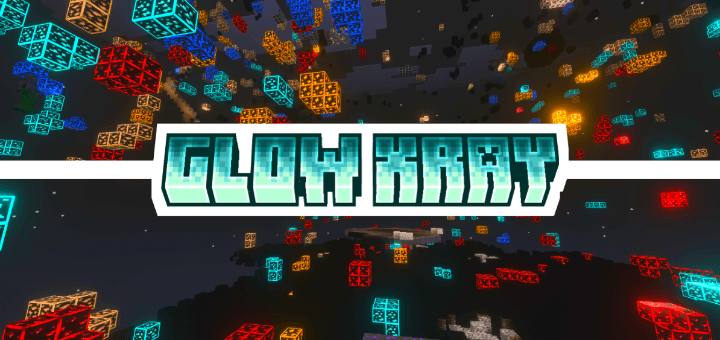
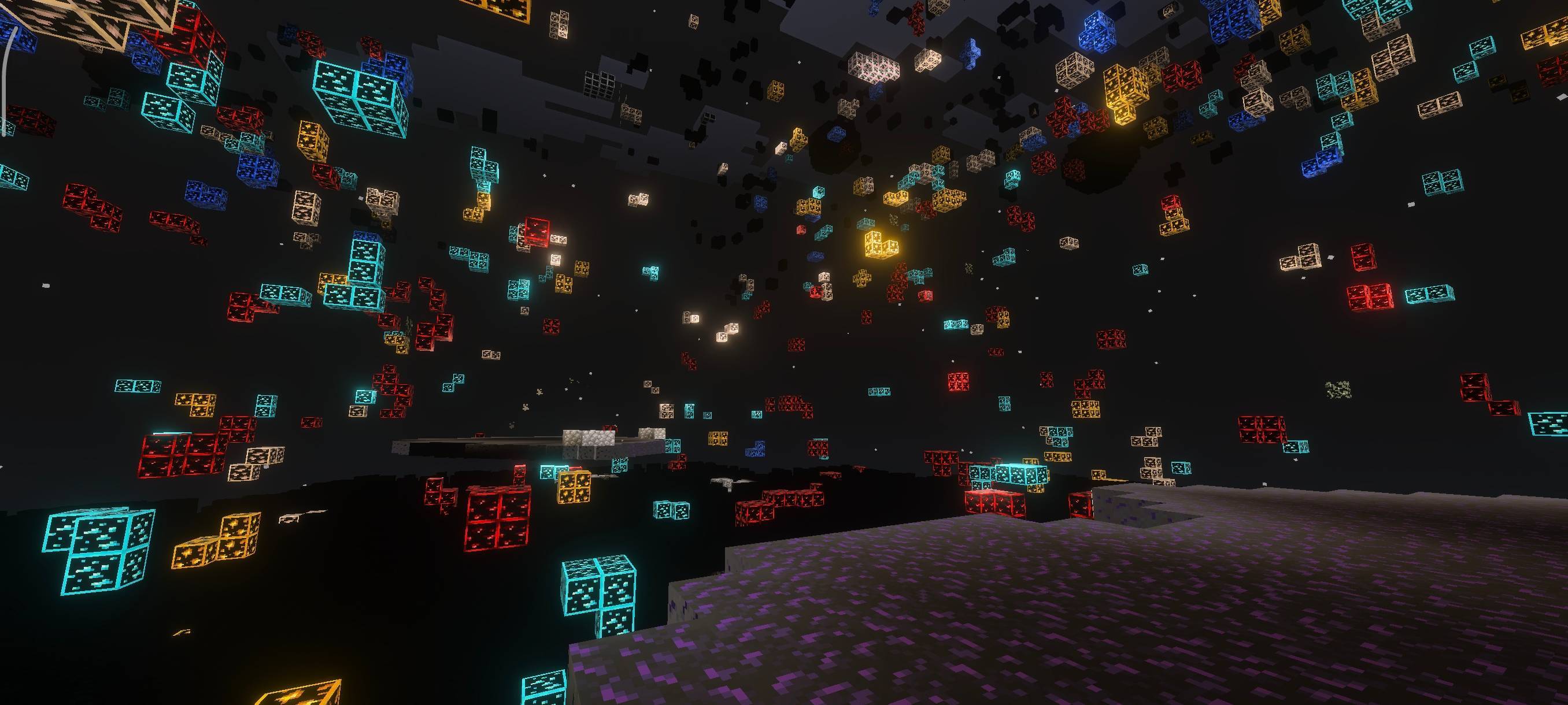
Glow Xray goes further. It makes blocks around ores see-through and makes the ores glow, so you can spot them through walls. It has two subpacks:
- Xray 100%: almost every non-ore block is see-through, including lava and water. You see everything.
- Xray Essential: only stone, deepslate and netherrack are see-through. Lava and water stay visible, which is much safer when you dig.
Best for: players who just want the ores fast, in their own worlds.
Many servers do not allow xray packs. Always check a server's rules before you use one there.
Full Bright
Full Bright removes darkness. Caves, mines and nights all look bright, so you never have to guess what is in front of you. It does not show ores through walls, it just lets you see everything clearly.
Best for: exploring and building at night, and players who hate dark caves.

Important: turn on Vibrant Visuals
All three packs use the newer lighting in Bedrock. They only work when your graphics mode is set to Vibrant Visuals in the video settings, on devices that support it. If a pack seems to do nothing, this setting is almost always the reason.
How to set them up
- Download the pack and open the file. My install guide covers every device.
- Go to Settings > Global Resources and activate it.
- Select it and press the gear button to pick a subpack. See pack settings and subpacks.
- Make sure Vibrant Visuals is on.
Which one should you pick?
- Want caves easier but still fun? Glowing Ores.
- Want ores right now in single player? Glow Xray, with Xray Essential to stay safe.
- Just want to see in the dark? Full Bright.
Add Offhand Torch and you will hardly ever need to place a torch while mining again.