Coordinates tell you exactly where you are in a Minecraft world. With them you can find your way home, share the location of a village with a friend, and plan builds and farms at the right height. Bedrock hides them by default, but turning them on only takes a few taps.
Turn on coordinates in world settings
- Pause the game, or press the pencil button next to the world.
- Open the Game settings.
- Scroll to World Options and turn on Show Coordinates.
Your position now shows in the top left corner of the screen. This setting does not turn on cheats and does not turn off achievements.
With a command
In worlds with cheats on, you can also type /gamerule showcoordinates true. Keep in mind that turning on cheats in a world turns off achievements for good. See what achievement friendly means.
What X, Y and Z mean
- X: east and west. It goes up as you walk east.
- Y: height. Sea level is around Y 63, and the bottom of the world in the Overworld is Y -64.
- Z: north and south. It goes up as you walk south.
Useful ways to use them
- Write down your base. Save the coordinates of your home, so you can always walk back.
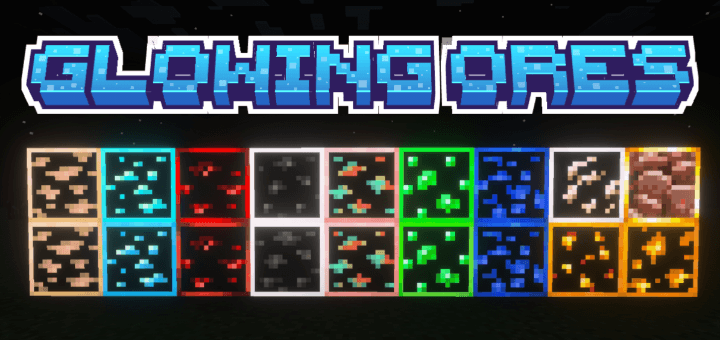
- Mining at the right height. Diamonds are most common deep down, around Y -59 and close to it. Pair this with an ore pack to find them even faster.
- Nether travel. One block in the Nether equals eight in the Overworld. Divide your Overworld X and Z by 8 to know where to build a Nether portal that links back.
- Sharing places. Send a friend the coordinates of a village, a temple or your new build.
Other ways to find places
- Maps and compasses in Survival.
- Waypoints in add-ons like Ultimate Cheat Menu, which save named places and show how far they are.
- My Hardcore Reviver and Structure Extractor tools also use coordinates when you work with world files.